

Notes we’d send a friend
Updates from projects we're working on and lessons we're learning.
Sent when there's actually something to say.
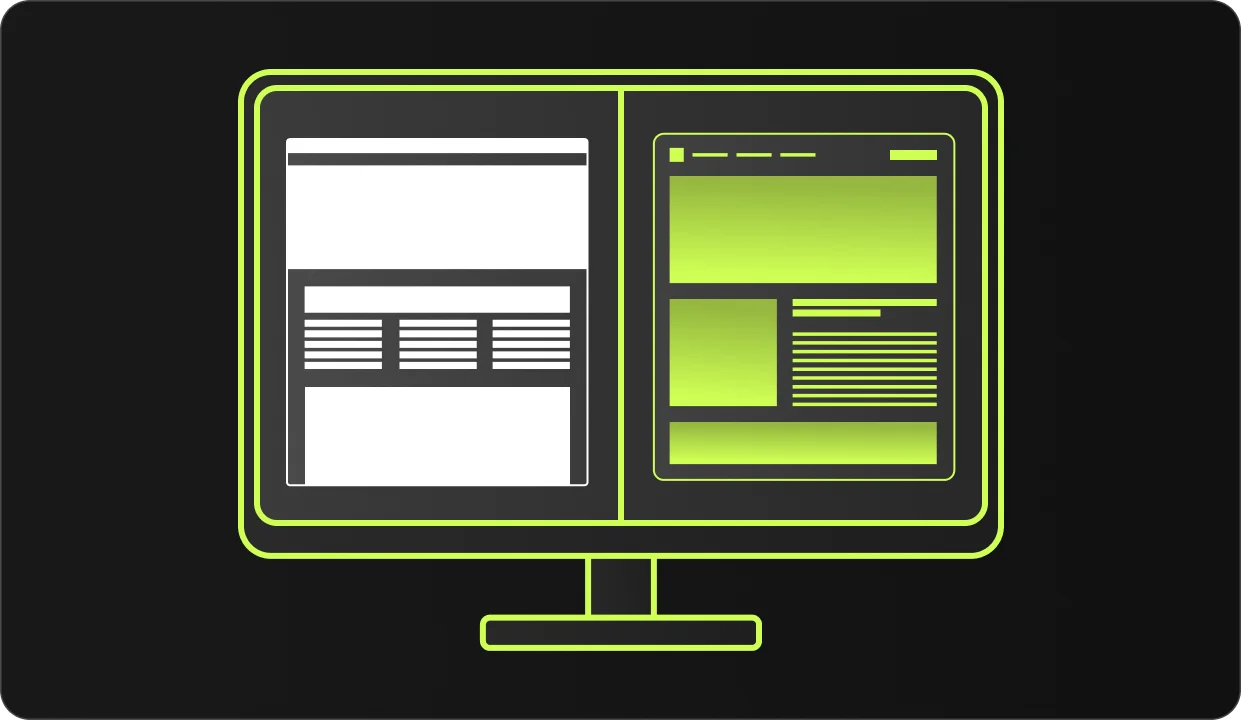
Your competitor is on page 1 of Google. You're on page 4 — or not showing up at all. The difference is usually not budget or luck. It's on-page SEO. This guide explains exactly what it is, what to fix, and how to know if it's working. No jargon.
On-page SEO is everything on your website that you control to help Google understand what your pages are about and show them to the right people. It's one of the three pillars of SEO.
Google sends bots to read your site. On-page SEO is how you make sure those bots understand your content, trust your site, and send customers your way.
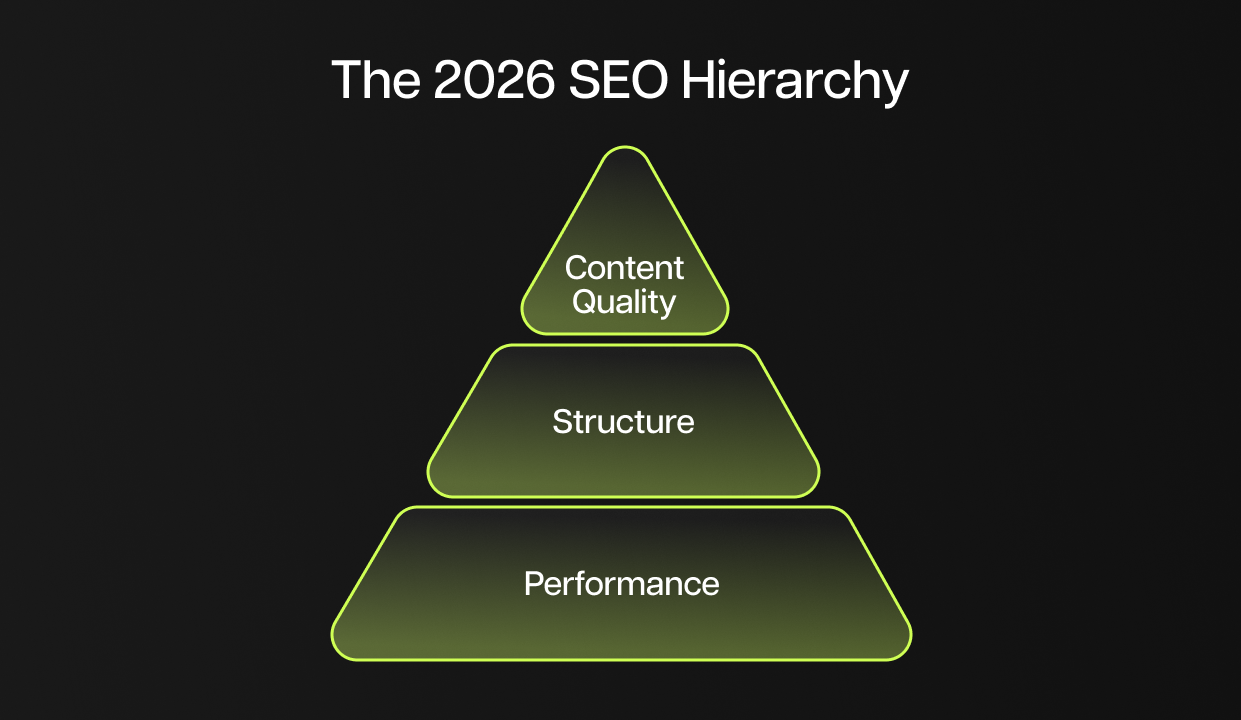
Three things matter most in 2026, in this order: Performance (pass this or nothing else matters), Structure (helps Google understand your page), and Content Quality (what actually ranks you). Google filters by performance first — your content only gets evaluated if your site loads fast enough.
This is the #1 question business owners ask. The most common reasons: your website is too new and Google hasn't indexed it yet, your pages load too slowly, no one links to your site so Google sees it as untrustworthy, your pages don't match what people actually search for, or your site is accidentally blocked from Google (robots.txt).
On-page SEO fixes most of these problems. The rest of this guide walks through exactly what to fix.
Yes, and this is one of the most common mistakes on business websites.
If you offer three services on one page, Google doesn't know which one to rank you for. You're competing against yourself. Google matches one page to one search query — when you put three services on one page, it sees it as unfocused and ranks you lower for all three.
Rule of thumb: If a customer could search specifically for that service, it deserves its own page.
These are the specific places on your page where Google looks first. Getting these right is the fastest way to move your rankings.
A keyword is the phrase your customer types into Google. If someone searches "dentist Nashville," that's a keyword. Your job is to use that phrase in specific places so Google knows: "This page is about a dentist in Nashville."
Where to place your keyword: page title, URL slug, H1 heading, first 100 words, H2/H3 subheadings where natural, and image alt text.
Don't repeat your keyword 20 times. Write naturally. Mention related terms like "dental clinic," "teeth whitening," "dental checkup." Answer real questions your patients ask. Google penalizes keyword stuffing.
The title tag is the blue clickable text in Google search results. It's the first thing people see, and it's Google's #1 signal for what your page is about.
Rules for a good title tag:
Headings are the titles and subheadings inside your page. They help readers scan and help Google understand your page structure.
Think of it like a book: H1 = Book title. H2 = Chapter titles. H3 = Sections within a chapter.

Your URL is the web address. It shows up in Google results before anyone clicks. Google reads the words in it to understand what your page covers.
URL rules: Short. All lowercase. Hyphens between words (not underscores). Include your keyword. No dates.
Critical: Never change a URL without setting up a redirect. If you change /old-page to /new-page without a redirect, anyone who had the old link — including Google — hits a dead page and you lose all ranking.
The meta description is the gray text under your title in Google results. It doesn't directly affect ranking, but it determines whether people click on your result or your competitor's.
Write it like a mini ad: 150–160 characters, include your keyword (Google bolds it in results), tell them specifically what they get.
Google's 2026 update made page speed a hard filter. Core Web Vitals are the three metrics it measures. Slow sites don't get ranked, even if the content is great. You have to pass this test before anything else matters.
Test your site free: pagespeed.web.dev
The three metrics:
The most common fixes: compress your images, reduce the number of scripts loading on every page (chat widgets, ad tracking, social buttons), and use a fast hosting provider.
Since 2020, Google uses mobile-first indexing, meaning it ranks your mobile version, not desktop. If your site looks broken on a phone, your rankings suffer across the board.
Test your site: search.google.com/test/mobile-friendly
Most business websites are slow because of unoptimized images. The average page has 50+ images, and they often account for more than half the page weight.
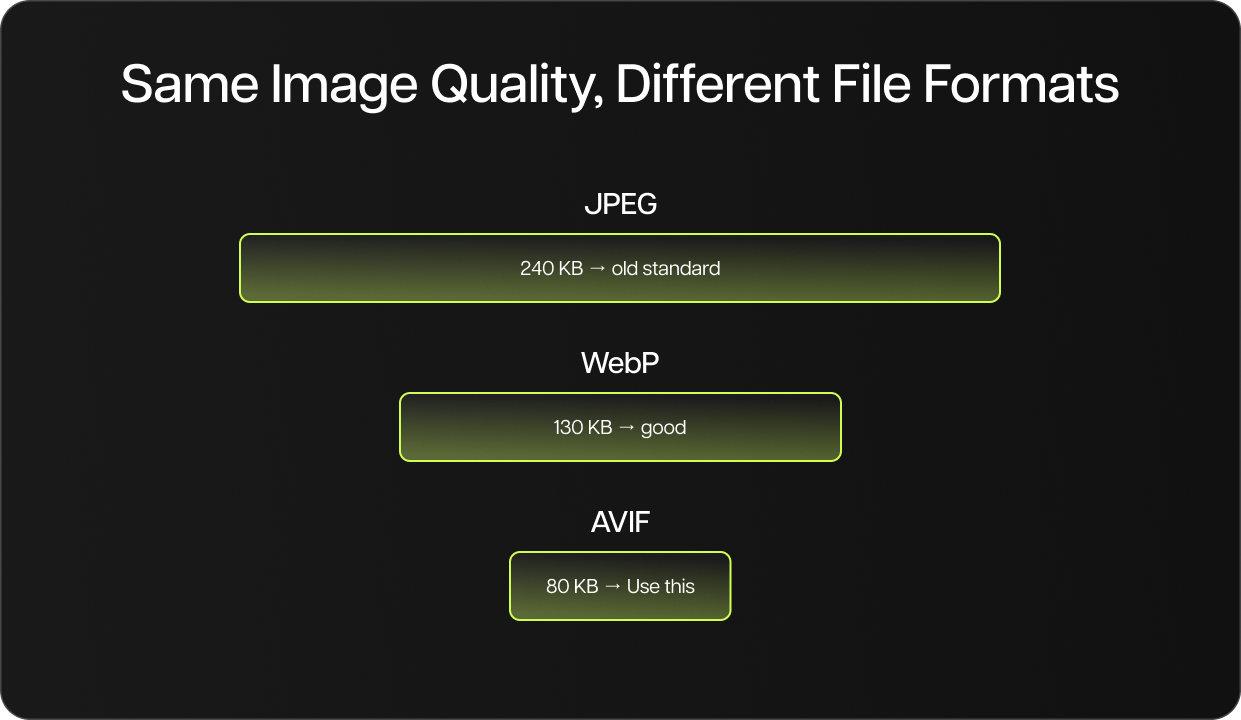
Best formats for 2026: AVIF (80KB average, best compression), WebP (130KB average, good browser support), JPEG/PNG (240KB average, legacy fallback only). Switch to AVIF or WebP — same visual quality, 50–65% smaller files.
Visual search is growing fast: Google Lens processes over 12 billion visual searches per month. People point their phone at a product, building, or sign and Google finds it. Properly named images and descriptive alt text make your images discoverable in Google Images and Lens, driving traffic you'd otherwise miss entirely.
Three things to fix on every image:
nashville-dental-clinic-team.jpg not DSC_00472.jpg
Internal links are links from one page on your site to another page on your site. They're one of the most underused SEO tools.
Google follows links to discover pages. If a page has no links pointing to it from other pages on your site, Google might never find it, or treat it as unimportant.
The most effective structure is the topic cluster model: one pillar page (comprehensive guide on a broad topic) connected to multiple cluster pages (deeper dives into subtopics). Each cluster page links to the pillar. The pillar links to every cluster. This tells Google you're an authority on the topic.
Anchor text matters: "Read our complete guide to dental implants in Nashville" tells Google exactly what the linked page covers. "Click here" tells Google nothing.
Schema is structured data markup from Schema.org, a shared vocabulary that helps Google understand your content beyond just reading the text. Add it to your pages and Google can show your star ratings, business hours, FAQ answers, or product prices directly in search results.
Who needs schema: local businesses (address, hours, phone), service businesses (reviews, ratings), bloggers (article type, author).
WordPress users: Rank Math or Yoast SEO add this automatically. No coding needed.
Test your schema: search.google.com/test/rich-results
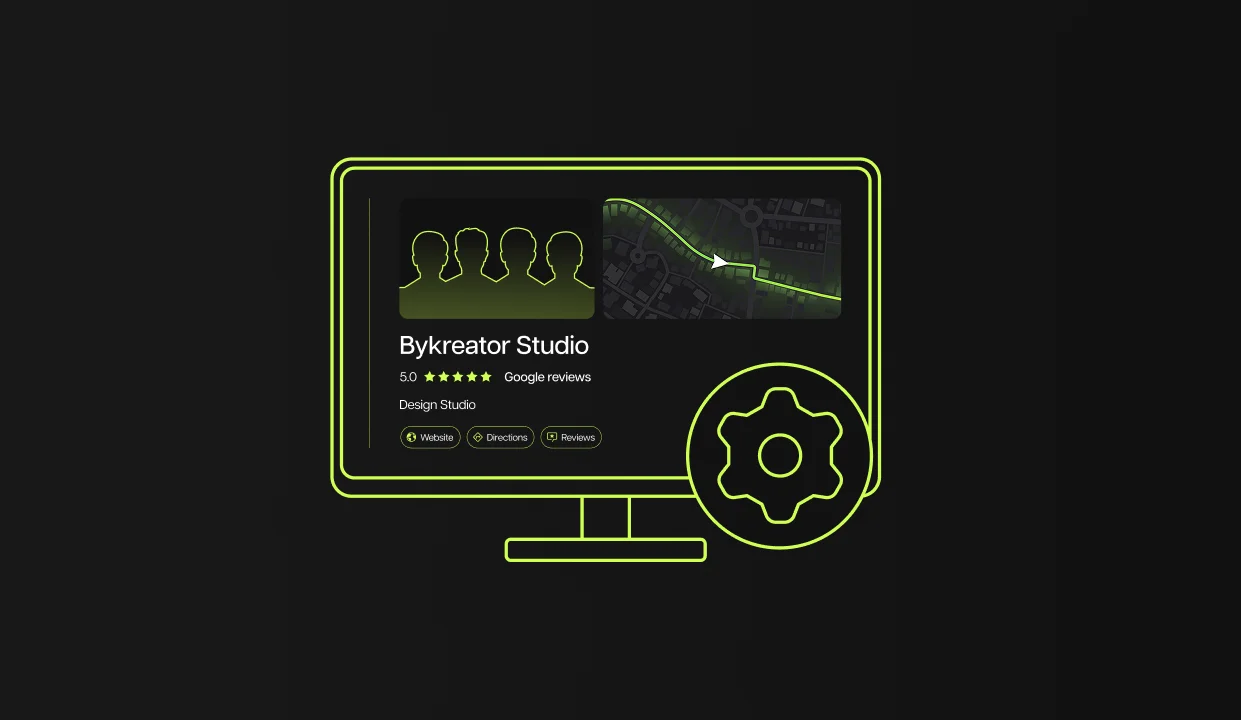
If you have a physical location or serve a specific area, everything in this guide applies. You also need to add your city to your title tags, headings, and URLs. Your Google Business Profile (the free listing on Google Maps) is equally important. Local SEO is a big enough topic that it deserves its own guide. We cover it separately. The on-page fundamentals here are your foundation either way.

This is what every business owner wants to know, but nobody tells them. Here's what to actually track.
The three numbers that matter in Google Search Console:
Realistic timeline: Most businesses see the first movement in 60–90 days. Meaningful traffic in 4–6 months. SEO is not a quick fix. Unlike ads, results compound over time and don't disappear when you stop paying.
In 2026, your customers don't only search on Google. Many now ask ChatGPT, Perplexity, or use Google's AI Overviews to get answers directly. These tools don't send people to your site. They read your site and summarize it. If your page isn't structured for AI, you get skipped.
The good news: most of what makes a page AI-friendly is the same as what makes it Google-friendly. But there are a few specific things AI looks for.
When someone asks AI "what is on-page SEO?" the tool looks for a page that answers this in the first 2–3 sentences, clearly and directly. Not after 3 paragraphs of intro. Not buried at the bottom. First paragraph, direct answer.
AI tools and Google's AI Overviews love FAQ sections. When you have a section with clear questions and direct answers, AI pulls those answers and shows them, citing your site as the source. This is one of the easiest ways to get visibility in AI search.
Add an FAQ section to every important page. Questions your customers actually ask. Answers in 2–3 sentences, direct and specific.
Google and AI tools both look for signals that you know what you're talking about. For business websites this means:
A page with no author, no about information, and no credibility signals is less likely to be cited by AI tools, even if the content is good. This is what Google calls E-E-A-T, and among its four components, Experience has become the most important signal in 2026.
Start here — these 5 things move the needle fastest:
Do This Today:
site:yourwebsite.com in Google — do your pages show up?Do This This Month:
Don't try to fix everything at once. Most business websites have 3–5 critical issues that are causing 80% of their ranking problems.
Start with the "Do This Today" checklist above. Run the speed test. Check your title tags. Set up Search Console. These take less than an hour and they'll tell you exactly what needs fixing.
The businesses winning on Google in 2026 aren't necessarily spending more. They're just doing the fundamentals right. Fast site. Clear pages. Every service with its own page. That's it.
Your competitors probably haven't figured this out yet. Now you have.
On-page SEO is the process of optimizing individual web pages to rank higher on Google. It includes title tags, headings, URLs, content, images, and page speed — everything on your site you directly control.
Most sites see initial movement in 60–90 days. Meaningful traffic growth typically takes 4–6 months. On-page changes like fixing title tags and page speed can show impact faster — sometimes within weeks.
Page speed. Google's March 2026 update made Core Web Vitals a hard filter — slow sites get removed from rankings before content quality is even evaluated. Pass the performance threshold first, then focus on content and structure.
A title tag is the blue clickable headline your page shows in Google search results. It's Google's #1 on-page ranking signal. Keep it 50–60 characters, start with your keyword, and make it compelling enough to click.
One primary keyword per page. Use it naturally in your title, H1, URL, and first paragraph. Support it with related terms throughout the content. Never repeat the same keyword unnaturally — Google penalizes keyword stuffing.
Yes — and it's often where small businesses have the biggest advantage. Large competitors with slow, poorly structured sites lose rankings to smaller sites that do the basics right. Clean URLs, fast load times, and optimized title tags are equally effective regardless of business size.
On-page SEO covers everything on your website — content, structure, speed, and code. Off-page SEO covers everything outside it — backlinks from other sites, mentions, reviews, and social signals. Both matter, but on-page is what you control directly.
Many on-page fixes — title tags, meta descriptions, heading structure, image alt text — can be done without technical knowledge. Page speed and schema markup are more complex. The checklist in this guide covers what you can fix today and what may need professional help.
Updates from projects we're working on and lessons we're learning.
Sent when there's actually something to say.