

Notes we’d send a friend
Updates from projects we're working on and lessons we're learning.
Sent when there's actually something to say.
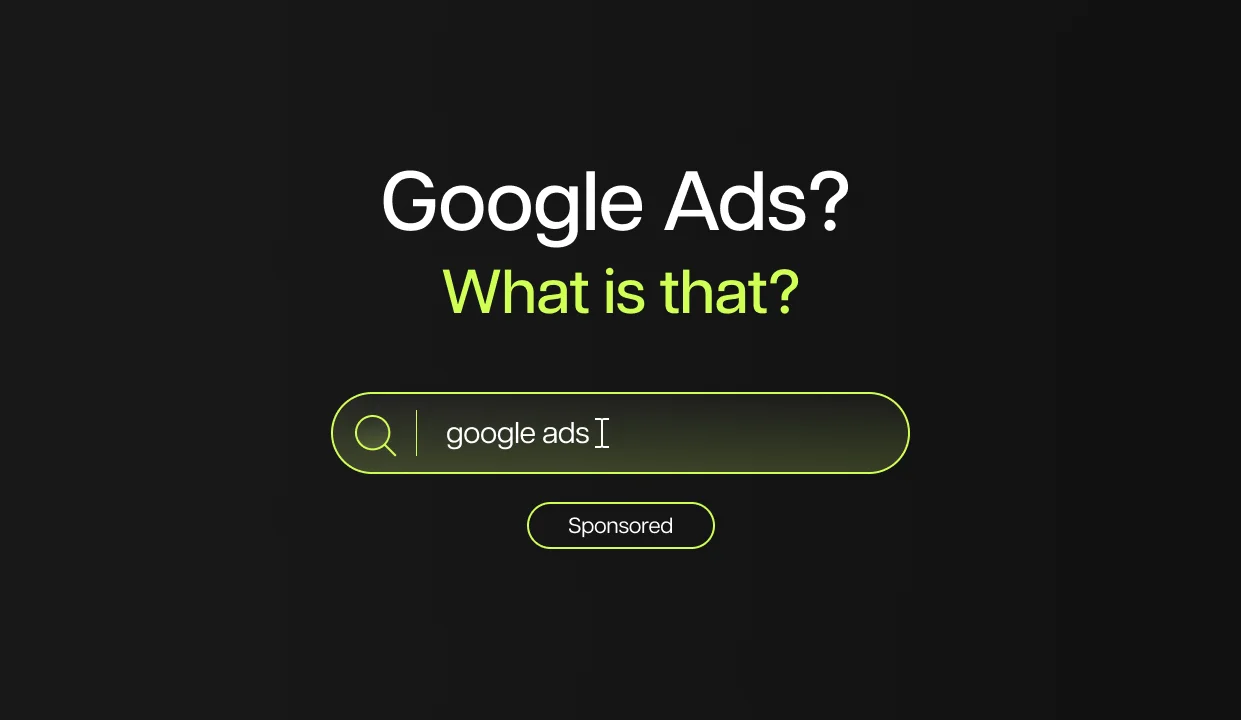
Google processes over 8.5 billion searches every day. A fraction of those searches are for exactly what your business offers — and Google Ads puts you at the top of those results the moment someone types them in. This guide explains how the system works, what it costs, and whether it's the right move for your business in 2026.
Google Ads puts your business in front of people at the exact moment they're searching for what you offer — on Google Search, YouTube, Gmail, Google Maps, and millions of partner websites across the web, all managed from a single platform called Google Ads Manager. If you've ever searched for something and noticed the results marked "Sponsored" at the top of the page, those were Google Ads.
Unlike organic results, which take months to build, Google Ads puts you in front of the right people from day one.
In 2026, the platform is more AI-driven than ever. Google has been pushing automation hard — from Performance Max to AI-generated ad assets — and the businesses getting the best results are the ones who understand how the system works before handing control to an algorithm. This guide gives you that foundation.
We'll break down how the system works, what campaign types are available, what it actually costs, and whether Google Ads make sense for your business right now.
Nothing. Google rebranded the platform from Google AdWords to Google Ads in 2018. The system, the auction, and the logic behind it are the same. Some people still use both terms interchangeably — they mean the same thing.
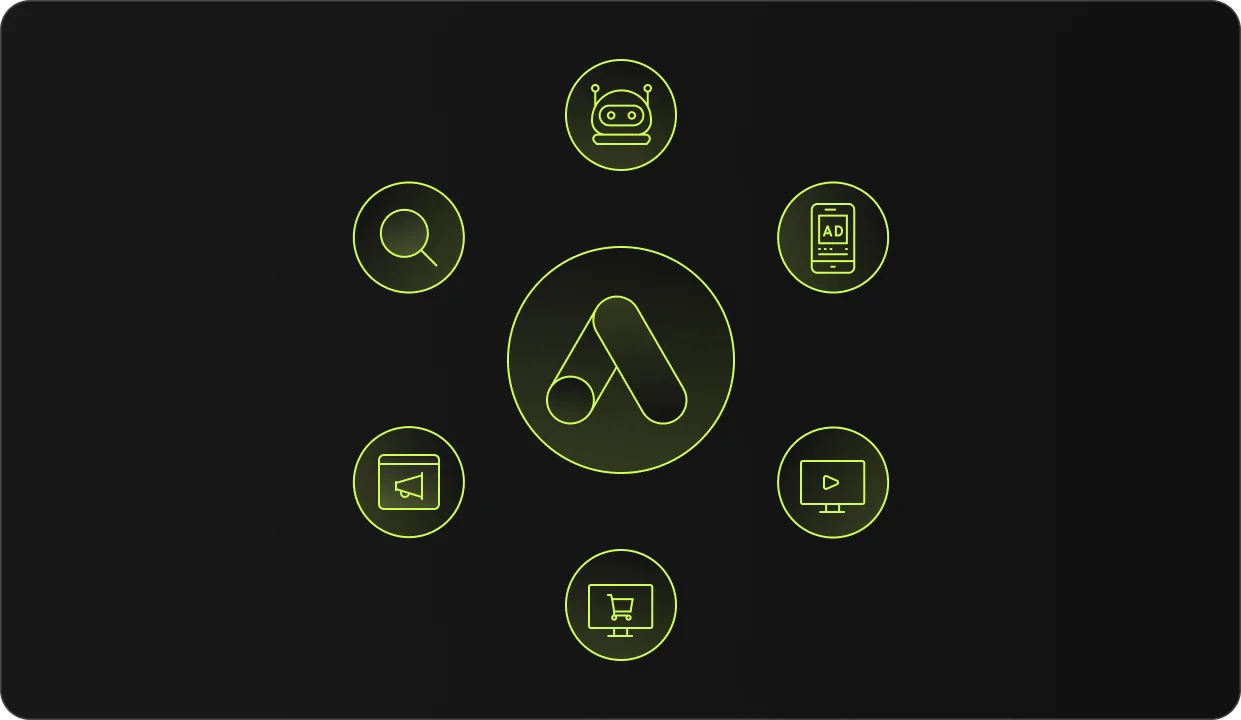
Google Ads isn't just search results. Here's what falls under the umbrella.
The most familiar placement. Your text ad appears at the top or bottom of Google's search results when someone types a query related to your keywords. This is where most businesses start, and for good reason — the person is actively looking for what you offer.
A network of over two million websites, apps, and YouTube pages where visual banner ads can appear. You're not targeting searches here — you're targeting audiences as they browse the web. It works well for retargeting and brand awareness, less so for direct conversions from cold traffic.
Video ads that appear before, during, or alongside YouTube content. The second largest search engine in the world is part of Google's ecosystem, which means your ads can reach people watching relevant content — tutorials, reviews, comparisons — in the moment they're forming opinions about products and services.
Product listing ads that appear when someone searches for physical products. These show an image, price, and store name directly in the search results. Essential for e-commerce businesses, largely irrelevant for service providers.
Ads that appear in Google Maps results when someone searches for a local business or service. A plumber searching for "emergency plumber near me" will see map results with sponsored listings at the top. For businesses that depend on local foot traffic or service calls, this is one of the highest-intent ad placements available.
Google's AI-driven campaign type that runs across all of the above networks simultaneously. You provide assets — headlines, descriptions, images, and videos — then Google's algorithm decides where and how to show them. In 2026, Performance Max has improved meaningfully: campaign-level negative keywords, Search Themes, and better channel-level reporting give advertisers more control than in previous years. Still, it remains effective only for established accounts with solid conversion data — not recommended as your first campaign.
This is the defining characteristic of Google Ads and the most important thing to understand. Unlike Meta Ads, where you interrupt people while they're scrolling through personal content, Google Ads captures people in the moment they're actively searching for something.
Someone typing "best accountant for small business London" is not browsing casually. They have a problem and they're looking for a solution right now. Your ad showing up at that moment is relevant, not disruptive. That's why Google Search Ads tend to convert at higher rates than most other paid channels.
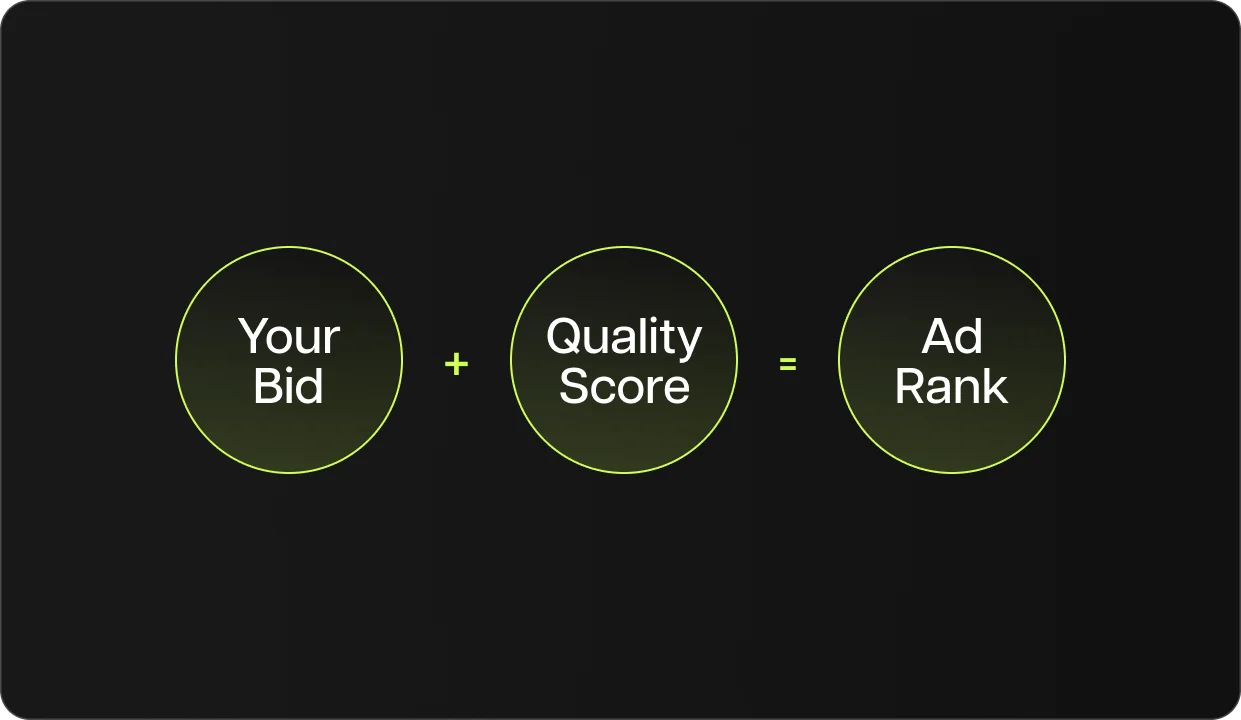
Every time someone searches on Google, an instant auction runs behind the scenes to determine which ads appear and in what order. You don't just pay your way to the top. Google calculates Ad Rank, which combines your bid, your Quality Score, and the expected impact of your ad assets. A highly relevant ad with a strong landing page can outrank a competitor who's bidding significantly more — Quality Score is covered in detail in the FAQ below.
In most Google Ads formats, you only pay when someone actually clicks your ad. You can appear thousands of times in search results without paying a penny — the cost triggers on the click. This makes Google Ads a performance-based channel: you're paying for actual traffic, not just visibility.
Like Meta Ads, Google Ads uses a three-level structure:
Campaign — You set the goal (sales, leads, website traffic, etc.), the budget, and the network you want to appear on. The campaign objective tells Google's algorithm what to optimize for.
Ad Group — A cluster of related keywords and the ads that correspond to them. A well-structured account groups keywords by theme so the ad shown matches the user's query as closely as possible.
Ad — The actual text, image, or video the user sees. In Search campaigns, this means headlines, descriptions, and a destination URL. Responsive Search Ads let you provide multiple headline and description options, and Google tests combinations automatically.
One mistake beginners consistently make: putting all keywords into a single ad group with one generic ad. When someone searches for something specific, they expect a specific response. Mismatches between a query, ad, and landing page kill Quality Score and waste budget.
Search Ads — Text ads in Google search results. The starting point for most businesses. Best for capturing existing demand — people who are already searching for your product or service.
Display Ads — Visual banner ads across the web. Best for retargeting visitors who've already been to your site, or building brand awareness at scale.
Video Ads (YouTube) — Pre-roll and mid-roll video. Best for products or services that benefit from demonstration, and for reaching audiences at an earlier stage of their buying journey.
Shopping Ads — Product image + price in search results. Only relevant for e-commerce with a product feed connected to Google Merchant Center.
Local Search Ads — Appear in Google Maps and local search results. Best for service businesses with a physical location or defined service area.
Performance Max — AI-managed campaigns across all Google networks. Best for accounts with enough conversion history for the algorithm to learn from. Not for first campaigns.
There's no minimum spend. You set a daily budget, and Google won't exceed it. Campaigns can technically run on $5 a day, though that's rarely enough to gather meaningful data in competitive markets.
What you actually pay per click depends on:
Typical benchmarks for 2026: average CPC on the Google Search Network sits somewhere between $2 and $5 for most industries — up from previous years as AI-driven search changes and increased competition have pushed costs higher. Legal and financial keywords regularly exceed $50–$100 per click in competitive markets. Shopping ads and Display remain cheaper but with lower conversion rates on cold traffic.
The real cost isn't the click. It's the cost of sending paid traffic to a page that doesn't convert.
This is where Google Search Ads shine. A dentist, plumber, lawyer, accountant, or renovation contractor — anyone offering a service that people search for when they need it — is a natural fit. The person searching "emergency electrician Manchester" is ready to hire. Being at the top of that result is worth far more than a thousand social media impressions.
Lead ads and call extensions make it easy for someone to contact you directly from the search result without visiting your website at all.
Before running local ads, set up and verify your Google Business Profile — it directly affects how your local ads appear in Maps results and how easily customers can find and contact you.
Google Shopping is a primary sales channel for many e-commerce businesses. When someone searches for a specific product, seeing your image, price, and store name alongside competitors is one of the most direct paths to purchase available in digital advertising.
Search Ads work for e-commerce too, particularly for branded searches and high-intent product queries. Retargeting with Display Ads brings back visitors who browsed but didn't buy.
Google Ads can be extremely effective in B2B — but keyword selection matters enormously. The difference between "accounting software" (informational, broad, expensive) and "accounting software for construction companies in the UK" (specific, high intent, cheaper) can mean the difference between wasting a budget and generating qualified leads.
In B2B, Google Search captures bottom-of-funnel demand better than almost any other channel. Someone searching for a specific solution with a specific need is closer to making a decision than someone scrolling through their feed on a Tuesday afternoon.
Most beginners focus entirely on bidding. The businesses that consistently outperform their competitors do it through Quality Score — by making sure their ad copy directly addresses the search query and their landing page delivers exactly what the ad promised.
A Quality Score of 8/10 versus 4/10 on the same keyword can cut your cost per click in half. This is Google's way of rewarding relevance, and it means that a thoughtfully built campaign from a small business can genuinely compete with larger advertisers.
The reason unwanted clicks happen in the first place is Broad Match — Google's default keyword matching type. When you add a keyword like "plumber," Broad Match tells Google to show your ad for any search it considers loosely related, including "how to become a plumber" or "plumber salary." The match type you choose determines who sees your ad before you even think about targeting.
Google Ads will show your ads for searches that are loosely related to your keywords unless you explicitly tell it not to. A plumber running ads for "drain repair" might end up paying for clicks from people searching "DIY drain repair YouTube tutorial" — completely the wrong intent.
Building a strong negative keyword list — terms you actively exclude — is one of the highest-leverage activities in Google Ads management. Most accounts that underperform have this problem: they're paying for traffic they never wanted.
As covered earlier, Performance Max runs across all Google networks simultaneously. For established accounts with conversion history, it can be powerful — but for new accounts or small budgets, the algorithm has nothing to learn from and tends to spend inefficiently. Start with Search, build data, and then consider PMax.
When you create a new Google Ads account, the first thing Google does is push you toward Smart Campaigns — a simplified setup where Google automatically chooses your keywords, audiences, and placements. It sounds helpful. It isn't.
Smart Campaigns give Google near-total control over where your budget goes. Without manual oversight, the system routinely shows ads for irrelevant searches, broad audiences, and low-intent traffic that burns through budget without producing leads. A hair salon running Smart Campaigns might pay for clicks from people searching "hairdressing courses" or "salon equipment suppliers" — searches with zero buying intent for that business.
When setting up your account, look for the option to switch to Expert Mode. It takes an extra few minutes to set up, but it gives you actual control over your campaigns. Every business owner who has tried Google Ads and concluded "it doesn't work" has almost always run Smart Campaigns without knowing it.
Google's automation is genuinely powerful in 2026 — but it works best when you guide it. Strong offers, tight negative keyword lists, relevant landing pages, and proper conversion tracking are what separate campaigns that compound over time from ones that drain budget quietly.
Google Ads account — Your central account is separate from your personal Google profile. Set it up through Google Ads Manager and switch to Expert Mode when prompted — this gives you full control over campaign setup instead of Google's simplified defaults.
Conversion tracking (GA4 + Google Tag Manager) — Before any campaign goes live, you need to track what happens after someone clicks your ad. There are two tools involved: Google Analytics 4 (GA4) measures user behavior on your website — pages visited, time on site, form submissions, and purchases. Google Tag Manager (GTM) is the container you install once on your website that lets you deploy and manage all tracking tags without touching code every time. In practice: install GTM on your site, then use it to fire both the GA4 tag and the Google Ads conversion tag. Without this setup, Google's algorithm optimizes for clicks, not outcomes — and you'll never know which keywords or ads are actually generating leads.
A clear offer — The same rule as Meta Ads. "Visit our website" is not an offer. "Get a free quote in 24 hours" is. The ad copy needs to match the search intent and deliver on a specific promise.
A landing page that matches your ad — If your ad says "certified accountants for small business," the landing page should be about exactly that — not your general homepage. Relevance between the ad and the landing page directly affects the Quality Score and conversion rate.
Before spending anything, search for the keywords you'd want to appear on. Look at what competitors are running. If the search results are full of ads, there's demand worth capturing. If no one is running ads, either there's an opportunity — or there's no search volume worth targeting.
For most businesses, a focused Search campaign targeting two or three high-intent keyword themes is the right starting point. Don't spread budget across multiple campaign types before you understand what converts.
GTM, GA4, and the Google Ads conversion tag — all three need to be firing correctly before you spend a single dollar. Without them you're training the algorithm on the wrong signal.
Google's algorithm needs data to optimize — typically 30 to 50 conversions per month before Smart Bidding performs reliably. In competitive markets, that requires a budget that can generate enough clicks to produce those conversions. A $5/day budget in a $20 CPC market produces 7 clicks a day — expect 30 to 60 days before you have actionable data.
If you'd rather have someone build and manage this for you, get in touch with Bykreator Studio — we'll tell you honestly whether Google Ads make sense for your business right now.
They're the same thing. Google rebranded the platform from Google AdWords to Google Ads in 2018. The underlying system — the auction, the campaign structure, the bidding — didn't change. Both terms refer to paid advertising managed through Google's advertising platform.
There's no minimum. You set a daily budget, and Google won't exceed it. In practice, most small service businesses need at least €300–€600 per month to gather enough data for meaningful optimization. Competitive industries like legal or finance require significantly more. What matters most is whether the cost per lead is lower than the value of a new customer.
Yes, particularly for service businesses in local markets. Google Search Ads work best when there's existing demand — people actively searching for what you offer. A small local business can compete effectively because relevance matters as much as budget in Google's auction system.
Quality Score is Google's 1–10 rating of how relevant your ad and landing page are to a user's search query. A higher score means you pay less per click for the same position — sometimes significantly less. It's Google's incentive for advertisers to serve useful, relevant ads rather than just the highest bidder.
The core difference is intent. Google Ads reaches people who are actively searching for something at that moment. Meta Ads reaches people while they're browsing social content, without active buying intent. Google tends to perform better for capturing existing demand. Meta tends to perform better for creating demand and building brand awareness. Many businesses run both.
Search campaigns can generate clicks within hours of launch. However, meaningful optimization requires data — typically 30 to 50 conversion events before Smart Bidding strategies perform reliably. Budget for at least 30 days before drawing conclusions about campaign performance, and don't make major changes in the first two weeks while the algorithm is in its learning phase.
Technically yes — call-only campaigns let users call your business directly from the search result without visiting a website. For most business types though, having a fast, relevant landing page dramatically improves both Quality Score and conversion rate. Running ads without a proper destination is one of the most common reasons campaigns underperform.
This is one of the most common concerns, and it's worth addressing directly. Yes, invalid clicks happen — but Google has automated systems that detect and filter them out, and you're not charged for clicks flagged as invalid. Google refunds these through what it calls "invalid click credits," which appear in your billing summary. For businesses in highly competitive markets, additional third-party click fraud protection tools exist, but for most small and medium businesses, Google's built-in filtering is sufficient. If you suspect unusual click activity, Google Ads provides an Invalid Clicks report under your campaign data.
Updates from projects we're working on and lessons we're learning.
Sent when there's actually something to say.